Which Platform Should I Host My Online Course On? Kajabi, Thinkific, Teachable, or Circle
Oct 20, 2026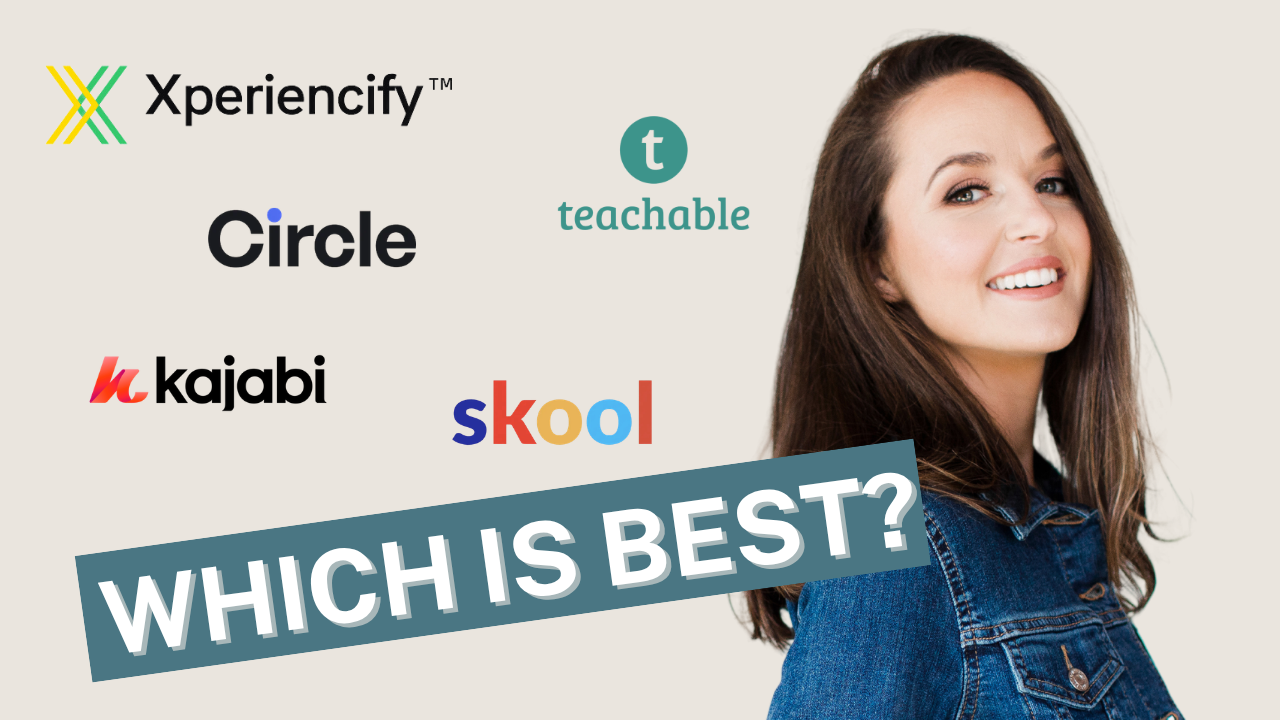
Key Takeaways
- Pick a course platform by answering three questions: what does the business need, what does the student need, and who is actually going to run it.
- For most experts the answer is an all-in-one platform (Kajabi, Thinkific, Teachable, or Circle), not a stack of separate tools wired together. Stacks are for the business you have, not the one you imagine.
- The standard tier is almost always enough to start. CRE8TION has built on 15+ platforms and has never had a client need the enterprise plan on day one.
- Your website does not need to live on the same platform as your course. A login link in the nav bar is the whole integration.
- If you already have a platform and it is working, the platform is probably not your constraint. Switching is a distraction from selling.
- Once the program is built, CRE8TION's team puts it up on any of the four major platforms in two weeks.
The platform decision stalls more programs than any technical limitation ever has. The honest answer is that for an expert selling a course, a certification, a cohort, or a membership, Kajabi, Thinkific, Teachable, and Circle will all do the job. The right one depends on three things: what the business needs to sell and track, what the student needs to have a good experience, and who will be logging in to run it. Answer those and the choice usually makes itself in an afternoon.
What should I figure out before I choose a course platform?
Three things: the business needs, the student needs, and the operator. That is the whole framework CRE8TION uses when a client asks which platform to build on.
Jasmine Jonte, CRE8TION's founder, describes it on client calls as "a process where we look at the business needs, we look at the student needs, and the offer, and where we're going, and then we make a few recommendations."
In practice:
- What does the business need? What are you selling: a self-paced course, a live cohort, a membership, a certification, event tickets? Do you need the platform to send your email, run your checkout, and hold your contact list, or do you already have tools for that? Where is 80 percent of revenue going to come from in two years?
- What does the student need? One login. A clean path from "I bought" to "I started." A mobile experience that works. Community, if community is part of the promise. Nothing they have to figure out.
- Who is actually using it? If the person running the back end finds the admin side confusing, it will not get used. A platform that your team cannot navigate is the wrong platform, no matter how powerful it is. While our CRE8TION Team does setup and maintenance, many of our clients prefer to use internal resources for ongoing maintenance.
After 170 programs, the pattern is clear: experts overweight features and underweight the third question.
Should I use an all-in-one platform or connect separate tools?
Start all-in-one. Add separate tools only when the business has outgrown the platform, not before.
On a call this summer, a client's developer walked Jasmine through a planned stack: a WooCommerce site for a small physical shop, a separate CRM, and a separate course platform, all wired together. The business expected 80 percent of revenue from the digital program. The shop was a rounding error. Jasmine's response: "You're now talking about a lot of solutions stacked on one another. There are solutions out there that are more all-in-one, like Kajabi, where you don't need to connect everything together. This is a stack that says to me, bigger business than what's currently happening."
Her closing question on that call is the one to ask yourself: "Technically, absolutely sound. Everything I've heard, completely sound, if that's the business we're building for. I just want to get really clear on what is the business we're building for?"
The same goes for custom-coded portals. CRE8TION has watched experts invest in bespoke builds and seen the outcome repeat: "Nine times out of ten, they moved to a third-party platform anyway." This is because the building of software is fun, but the maintenance and bug fixes require more resources than originally anticipated.
One related worry disappears fast. Your website does not have to be on the course platform. As Jasmine explains it, "Typically in the nav bar there's a slot for login, and that takes you to the login page on the platform." A Squarespace, Framer, or WordPress site with a "Student Login" link pointing at the course platform is a complete integration for most businesses.
Do I need the premium tier of my course platform?
Almost never at the start. Platform sales teams sell the top plan. Your program does not need it to launch.
CRE8TION recently helped a national nonprofit sort out exactly this. Thinkific's sales team had pitched the Plus plan, priced in the five figures per year, with the suggestion that custom branding, a custom subdomain, and AI features required it. Jasmine's read, after building on Thinkific for years: "I have never had anyone on Plus." The nonprofit clients CRE8TION has built there, including a different nonprofit, Assembly of Bishops, run on the Grow plan.
What the premium tiers actually add is narrower than the pitch implies:
- Branding. Every Thinkific plan allows a custom domain. Grow removes the Thinkific branding and lets you set your logo, colors, and graphics across the portal. A branded mobile app is a paid add-on on standard plans and comes bundled only on some Plus contracts. Most programs never need the app.
- AI. Thinkific's AI teaching assistant is a Plus feature, and platform-native AI is usually a support bubble in the corner that drafts from your slides. A true coach clone, trained on everything the expert has ever recorded, is built in a dedicated AI tool and placed inside a lesson. It costs a fraction of a tier upgrade and is a better experience. Kevin Amell's options course has AI practice tools embedded in the lessons themselves, with no enterprise plan behind them.
- Enterprise features. SCORM, learning paths, single sign-on, CRM integrations, and dedicated migration support matter if you are selling into corporate learning systems with thousands of seats. If you are selling to individuals, they do not.
Jasmine's rule: "You can always grow into it." Launch on the tier that fits the business you have this year. Upgrade when the licensing deals or the volunteer counts demand it.
Kajabi vs Thinkific vs Teachable vs Circle: which is best for my program?
Each one has a lane. Match the lane to your offer, not to a review site's ranking.
- Kajabi when you want one login for everything: website, email, checkout, courses, and community. Best for the expert who wants fewer tools, not more. It can even sell workshop tickets as a capped offer with no product attached.
- Thinkific and Teachable when the course itself is the product and you already have email and a website you like. Both are course-first, and the standard tier handles branding, payments, and a custom subdomain.
- Circle when community is the product. Spaces, gated groups, workflows, and segmentation make it the strongest choice for a membership or a community with chapters, and the interface is good on both the admin and member side. For a 20-person cohort, it is more than you need.
- Skool when you want a community and a course library and nothing else. It is simple by design, which also means there is little to customize.
- ClickFunnels for funnels. Its course portal is not where CRE8TION would put a client experience. Pair it with one of the platforms above.
CRE8TION is platform-agnostic. "We've built on 15+ platforms and never met one we can't figure out. If you don't have one yet, we'll help you choose."
I'm frustrated with my current platform. Should I switch?
First check whether the platform is actually your constraint. Usually it is not.
A coach came to Jasmine recently asking about Circle. His setup was a course on his own site, weekly Zoom calls, and a Slack channel his second coach ran. Students were getting results. The problem in his business was lead flow after an email deliverability collapse, not the tech. Jasmine's advice: "If the community space is already working in Slack, then it's working in Slack. You don't need to go and build out a whole Circle or Skool or some other platform." And then, more directly: "It's a distraction, my friend."
The reverse is also true: a platform does not fix a structure problem. Gemma Bonham-Carter's AI Dream Team was sitting at a decent student progress on Teachery, and Gemma wanted even better results. The fix was an audit and a restructure around a clear first win, not a tech migration.
Switch when students are confused, when the platform cannot do something the offer requires, or when the admin burden is eating hours every week. Do not switch because a platform demo looked shiny or because a sales rep said your plan was too small.
How long does it take to set up a course platform?
Two weeks, once the program is built. In Jasmine's words: "When we work on Kajabi, Thinkific, Teachable, Circle, it takes my team two weeks to put the program up, done, onboarding in place."
That is the Upload phase of CRE8TION's Course Flow to Cash Flow Process™: portal build, checkout, onboarding flow, and QA. The platform choice happens earlier, during Evaluate, so the curriculum is designed around what the platform does well. If you do not have a platform yet, that is the conversation where it gets decided.
Stuck between two platforms? Grab the Course Platform Choice System, the decision tool CRE8TION uses with clients. If you would rather talk it through, book a discovery call. This is a consultative fit discussion, and will be one of the more valuable conversations you've had in a while.
Common Questions
Thinkific Grow vs Plus: which one do I actually need?
Grow, in almost every case. It removes Thinkific branding and includes a custom domain, native payments, payment plans, memberships, three communities, and API access. Plus adds enterprise features: an AI teaching assistant, SCORM and learning paths, single sign-on, CRM integrations, and dedicated setup support, with no published price. CRE8TION's clients on Thinkific, including nonprofits with large volunteer programs, run on Grow.
Does my website need to be on the same platform as my course?
No. Keep the website you have and add a student login link in the navigation that points to the course platform. Deeper integration, like tagging a contact when a student completes a module, can be added later if the business needs it.
Can I add AI to my course without paying for the platform's AI tier?
Yes. A coach clone trained only on your own content is built in a dedicated AI tool and embedded inside a lesson or linked from a sidebar button. It works on the standard tier of any major platform and gives students a better experience than a generic support bubble.
Join Thousands of Course Creators + Get FREE Weekly Tips in your Inbox
The folks on my list get the goods, by which I mean... insider scoop on the biz, personal life updates, and first chances to join me in new opps. You're in good company. No spam, ever.
We hate SPAM. We will never sell your information, for any reason.
